


 EHOT
18 resets
EHOT
18 resets
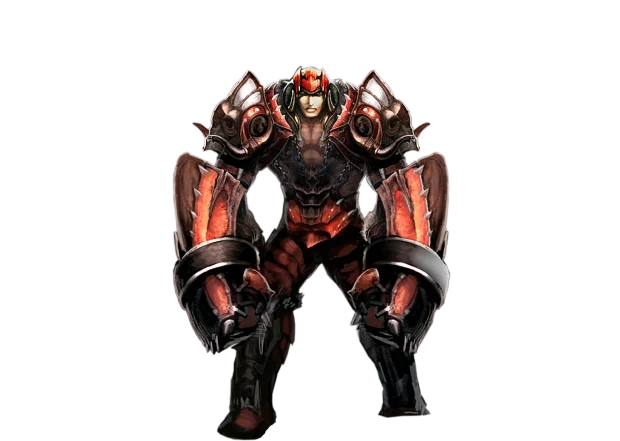 idfc
17 resets
idfc
17 resets
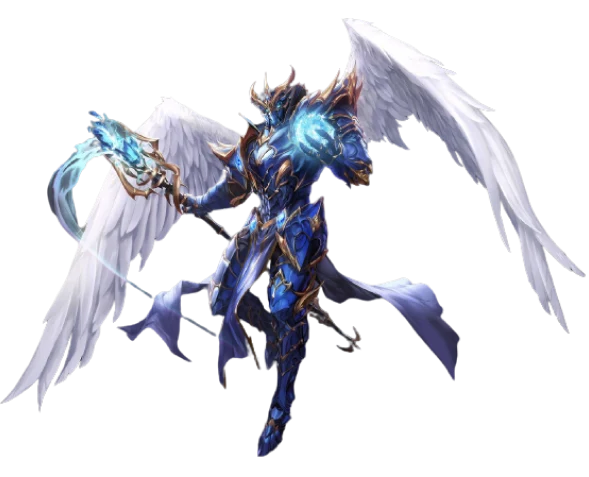 Besir
16 resets
Besir
16 resets


Guild window
A guild keeps everything behind one window. Guild Manager G holds the whole of it: six tabs on the left - Guild, Members, Rank, Warehouse, Alliance, Access - and the data on the right. The list refreshes once a minute, and the time of the last refresh is at the bottom.
Guild
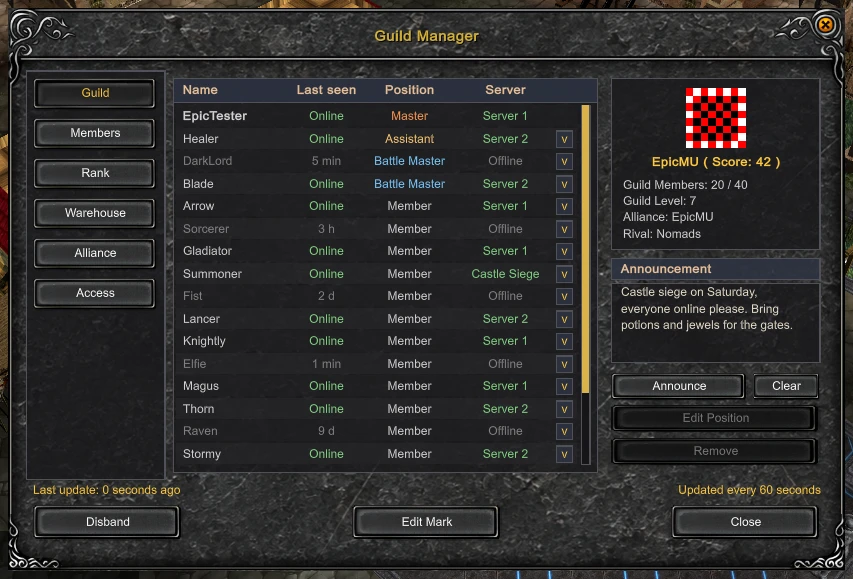
The roster: name, last seen, position and server for every member. On the right are the emblem, the score, the guild level, the alliance and the rival. The master edits the announcement, changes positions and removes members from here.
Members
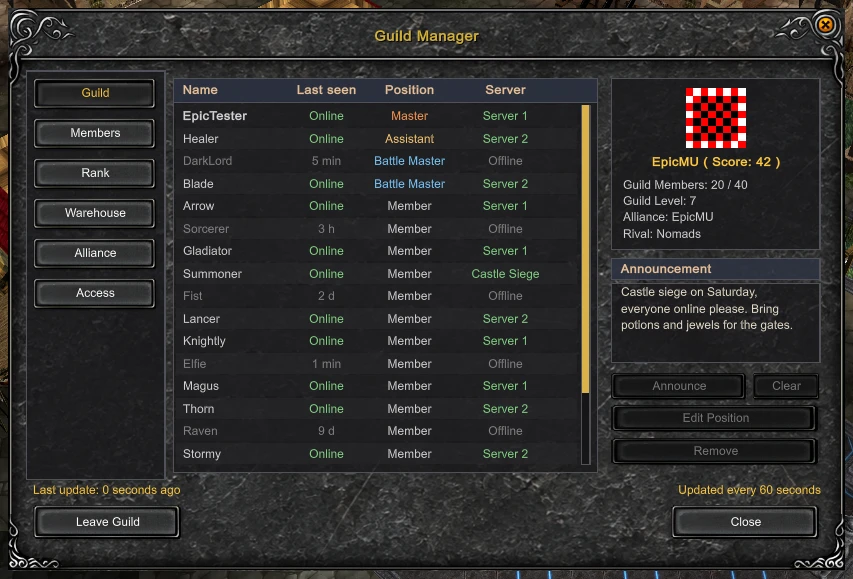
The same roster as a table: class, location, level and resets.
Rank
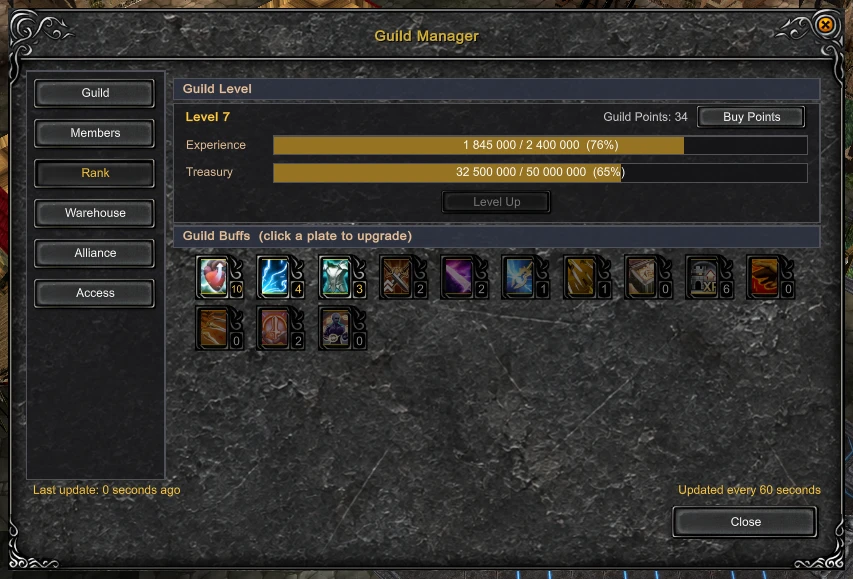
The guild level, its experience and the treasury. Level Up raises the level once the guild experience has reached the next level and the treasury holds that level's zen price - only positions with the Level Up right can press it. Buy Points buys guild points for Epic Coin. Below them are the buff plates: clicking a plate raises that buff one level, and the number in the corner is the level it is at.
Warehouse
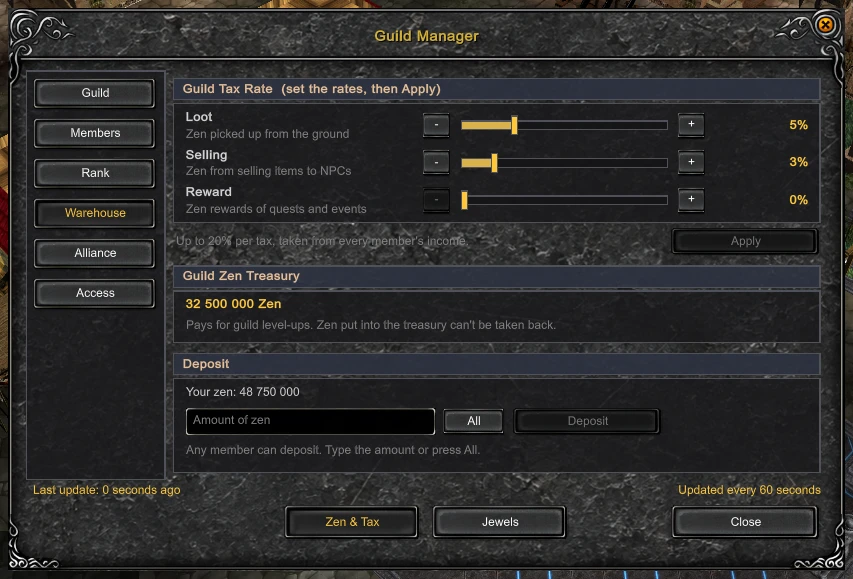
The warehouse tab is split into zen with tax, and jewels. The tax is taken from every member's income - separately from zen picked up, from selling items to NPCs and from quest and event rewards, up to 20% each. What it collects goes to the treasury and pays for guild levels; zen in the treasury cannot be taken back out. Any member can deposit their own zen.
Alliance
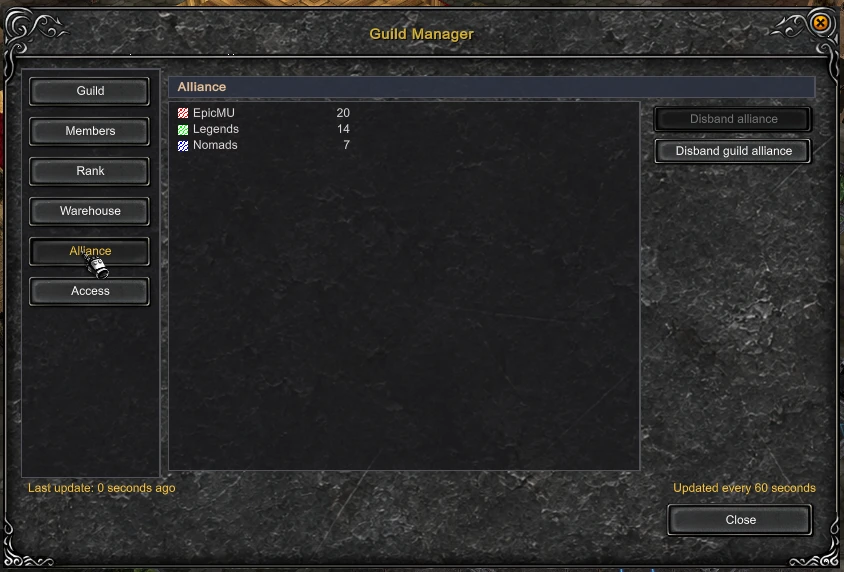
An alliance is a matter between masters: open the command window D, press Alliance and click the master of the other guild.
Access
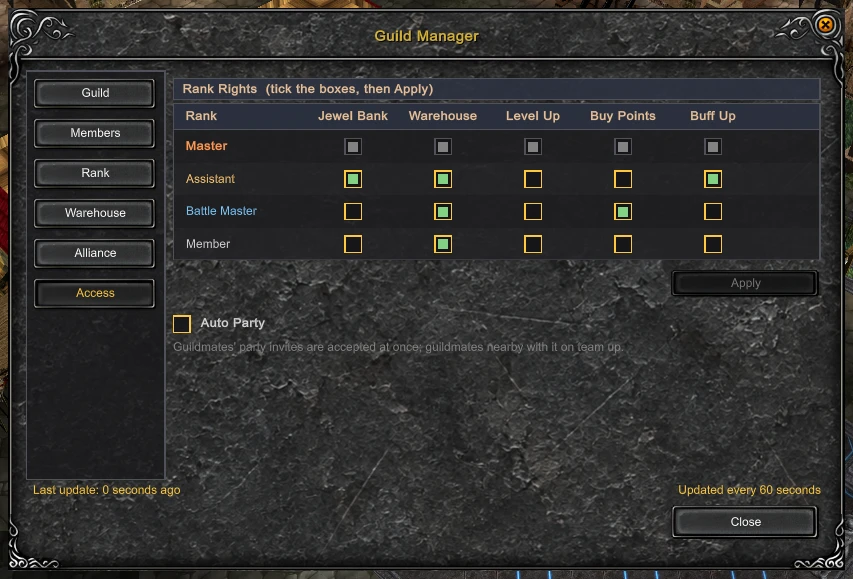
Rights per position: who can take jewels out of the guild bank, open the warehouse, raise the guild level, buy points and spend them on buffs. The master ticks the boxes, Apply saves them.
Updated: 08.10.2026


 Helper Alice