


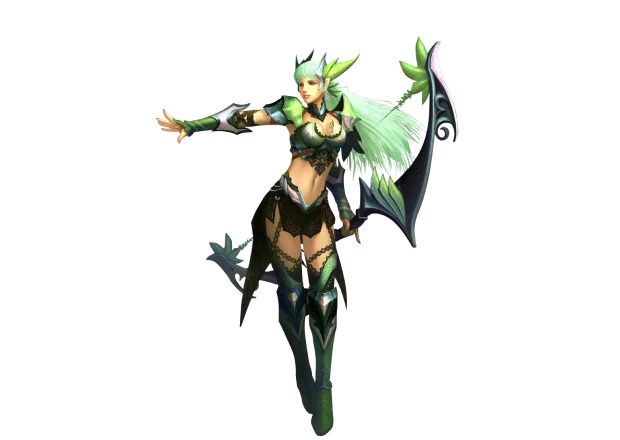
 EHOT
18 resets
EHOT
18 resets
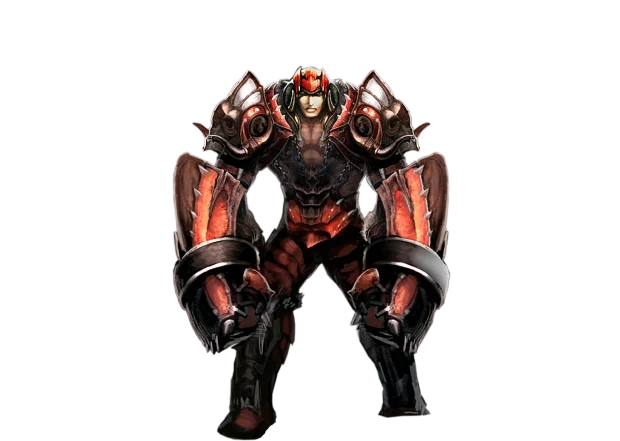 idfc
17 resets
idfc
17 resets
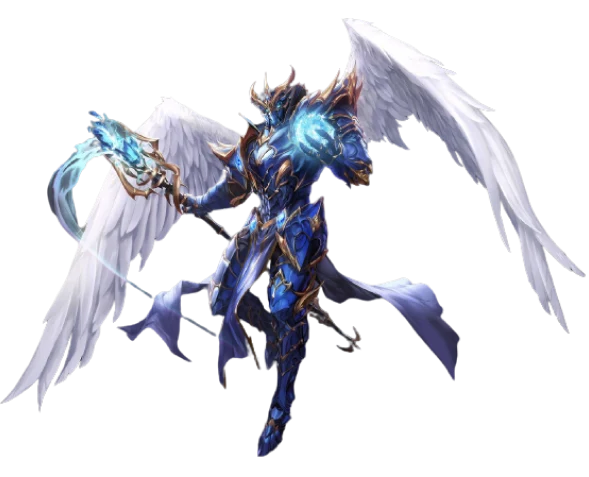 Besir
16 resets
Besir
16 resets


Game interface
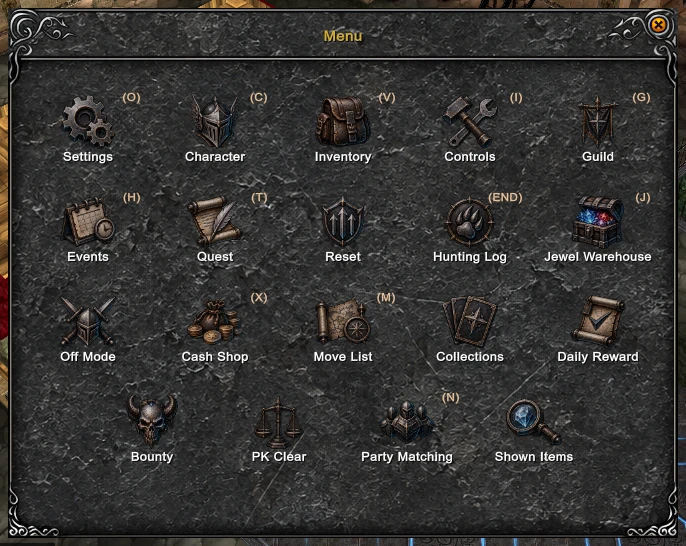
Every traveller in this world carries one door that leads to all the others - the main menu. It opens with F1, with the Menu button on the bottom bar or with the Menu button of the system menu, and Esc closes it. There is no need to learn all nineteen windows in one sitting: a handful will carry you through the first steps.
Main menu
Start here
- Character C - character stats.
- Inventory V - equipment, inventory and Zen.
- Move List M - travel between maps.
- Reset - check the requirements and perform a reset.
Quests and travel
- Controls I - the chat commands and what each one does.
- Events H - the event timer.
- Quest T - the main quest line. The event entries you have left today are behind the book button of the character window.
- Hunting Log End - what the current hunt has earned, and how fast.
Other windows
- Settings O - client options.
- Guild G - the guild window.
- Party Matching N - the party finder.
- Jewel Warehouse J - the jewel bank.
- Cash Shop X - the Epic Coin shop.
- Off Mode - offline farming.
- Collections - armor set collections.
- Daily Reward - the daily login reward for VIP accounts.
- Bounty - put a price on a player who killed you.
- PK Clear - the personal PK Clear window.
- Shown Items - the items shown in chat this session.
A window without a letter opens only from this menu. The Prison button seen in the picture is not part of the menu: the prison window is opened by the Prison Warden NPC on the prison map.
Client options
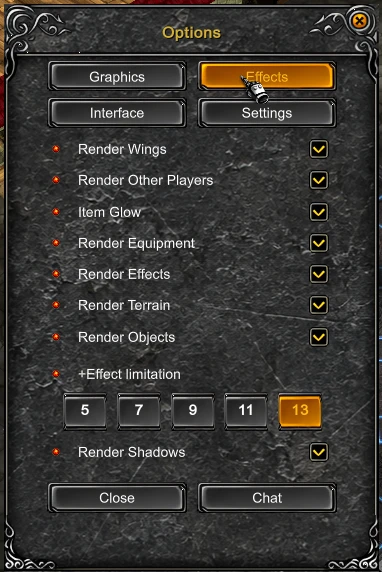
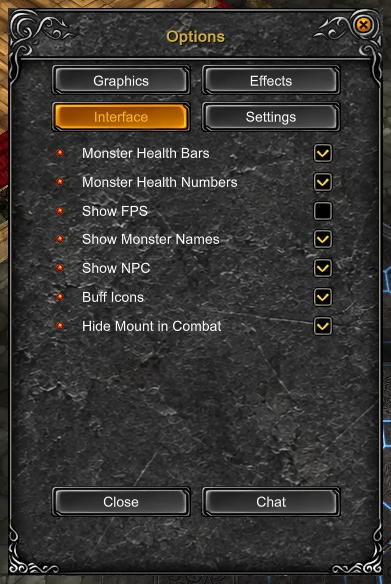
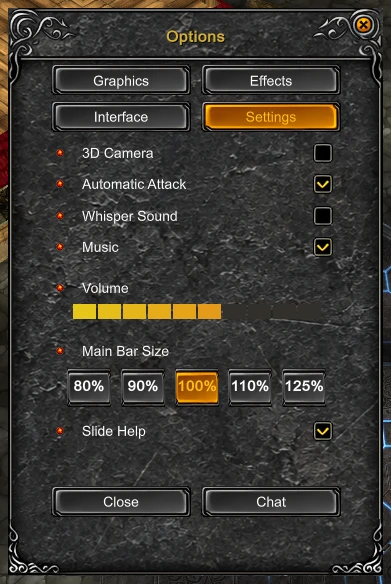
The options are laid out across four tabs. Open Settings O and the client is quickly tuned to your computer.
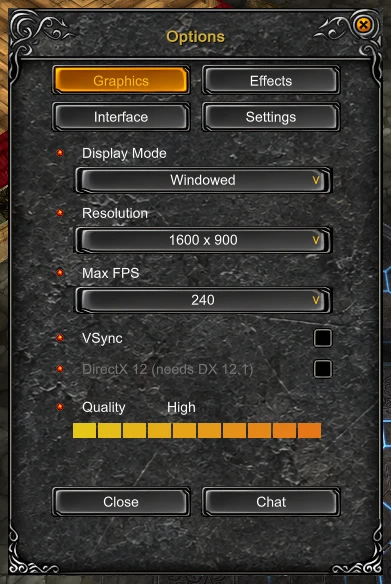
- Graphics - window mode, resolution, FPS limit, vertical sync and image quality.
- Effects - wings, other players, item glow, equipment, effects, terrain and objects; its +Effect limitation (5, 7, 9, 11 or 13) caps the item level whose glow is drawn. Render Shadows switches the shadows on or off.
- Interface - monster health bars and health numbers, FPS, monster names, NPC names and buff icons.
- Settings - camera, auto attack, whisper sound, music and master volume.
If the client runs unsteadily, begin with Effects: switching off the demanding effects usually eases the load more clearly than anything else.
System menu
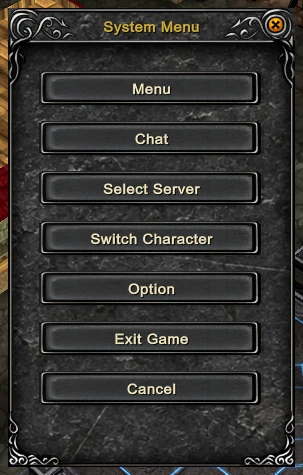
The system menu is for business outside the game world: open the main menu, select a server, change character, open the options or leave the client.
Reset window
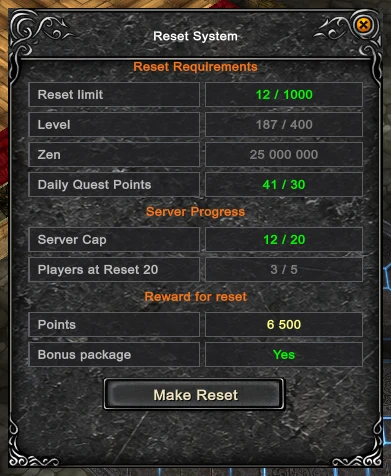
Before resetting, check four things here: your current reset and the available limit, the level, Zen and Daily Quest Points requirements, and the points granted by the next reset. The window also shows the server ceiling and how many accounts have reached the reset that opens the next stage, out of how many are needed.
Updated: 08.10.2026


 Helper Alice