


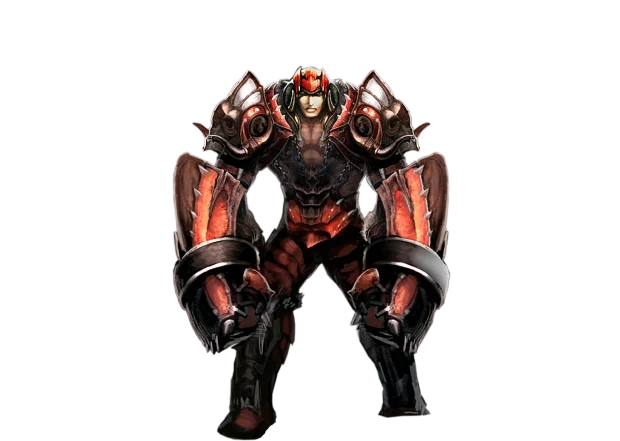
 idfc
7 resets
idfc
7 resets
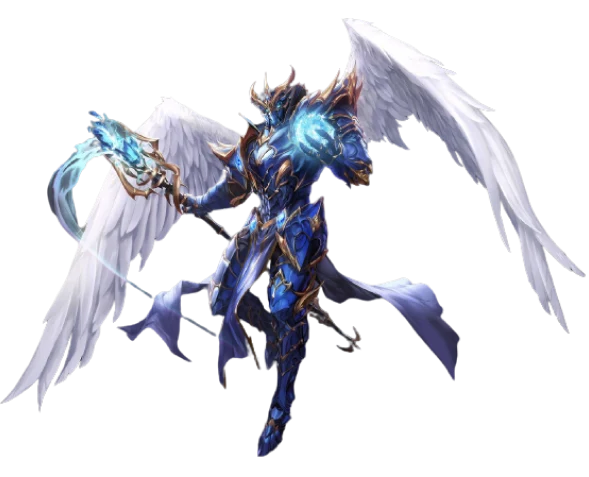 Besir
6 resets
Besir
6 resets
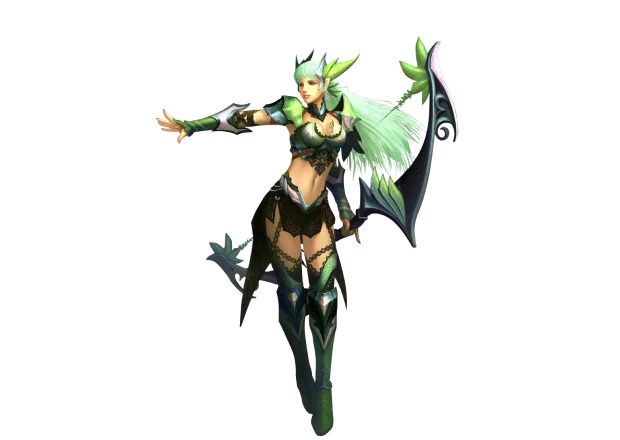 EHOT
6 resets
EHOT
6 resets


First steps

Download the game
Pick your system. The launcher downloads the client and keeps it up to date.
Download for Windows0.8 MB
Once it is down:
Your download has started. Next:
- Start the EPICMU-Launcher you downloaded. If Windows says "Windows protected your PC", press More info, then Run anyway: the launcher has no paid code signature.
- The launcher installs itself into C:\Games\EPICMU and puts a shortcut on your desktop.
- It downloads the game and starts it. From then on start the game from the shortcut: the launcher updates it every time.
Download for Android76.4 MB
Once it is down:
Your download has started. Next:
- The phone asks once to allow installs from the browser - allow it, and the game installs like any other app. On first start it downloads its data by itself: about 1.5 GB, plus about 750 MB of HD textures, so Wi-Fi is the better choice. Later updates arrive inside the game, with no reinstall.
Download for Linux15.6 MB
Once it is down:
Your download has started. Next:
- Unpack the archive into a folder in your home directory and start the launcher:
mkdir -p ~/Games/EpicMu
tar -xzf EPICMU-Launcher-linux64.tar.gz -C ~/Games/EpicMu
cd ~/Games/EpicMu
./Launcher
- The archive already marks Launcher executable. If the shell still says "Permission denied", run chmod +x Launcher once.
- The launcher downloads the game and starts it, and updates it on every start. Do not copy the game folder through a FAT, exFAT or NTFS drive: file names that differ only in case merge into one there.
Download for macOS36.0 MB
All systems and instructions →
Once it is down:
Your download has started. Next:
- Download EPICMU-Launcher-mac-1.4.15-066f6b77.tar.gz. Safari unpacks it by itself; otherwise double-click the file. You get "EPICMU Launcher.app".
- Make a folder for the game, for example EPICMU in your home folder, and drag the app into it in Finder. The game (about 1.7 GB) installs next to the app, so not Downloads and not the Desktop.
- First start: the app is not notarized, so macOS warns once. On macOS 15 Sequoia and newer open System Settings > Privacy & Security, find "EPICMU Launcher was blocked" and click Open Anyway. On macOS 12-14 right-click the app, choose Open, then Open again. After that a normal double-click is enough.
- The launcher installs the game by itself and later updates both the game and itself. One app for every Mac, Apple Silicon or Intel, no Rosetta.
 1
Server information
Rates, limits and party shares, read from the game server itself.
1
Server information
Rates, limits and party shares, read from the game server itself.
 2
Which class to choose
Seven classes, eight roads: who burns the crowd, who takes the blows, who leads the party - and who is the ea…
2
Which class to choose
Seven classes, eight roads: who burns the crowd, who takes the blows, who leads the party - and who is the ea…
 3
Game interface
Where to open the key windows, which hotkeys call them and what a new player needs first.
3
Game interface
Where to open the key windows, which hotkeys call them and what a new player needs first.
 4
Moving, fighting, camera and map
How to walk, hit, pick things up, zoom the camera and travel by the map.
4
Moving, fighting, camera and map
How to walk, hit, pick things up, zoom the camera and travel by the map.
 5
Hotkeys and commands
Every key worth knowing, the Controls window, the D command window and the Esc menu.
5
Hotkeys and commands
Every key worth knowing, the Controls window, the D command window and the Esc menu.
 6
EPIC Helper and offline mode
The helper plays the character for you; offline mode keeps farming after you log out.
6
EPIC Helper and offline mode
The helper plays the character for you; offline mode keeps farming after you log out.
 7
Healing Potions
Healing potions drunk one after another heal less and less: 100, 80, 64 percent and on down. A pause of three…
7
Healing Potions
Healing potions drunk one after another heal less and less: 100, 80, 64 percent and on down. A pause of three…
 8
Map movement
Move List shows available maps, minimum level and warp cost.
8
Map movement
Move List shows available maps, minimum level and warp cost.
 9
Quests and daily quests
Story quests, random quests, daily quests and the tracker.
9
Quests and daily quests
Story quests, random quests, daily quests and the tracker.
 10
Daily reward
The login ladder: who can collect it, what it pays and what a missed day costs.
10
Daily reward
The login ladder: who can collect it, what it pays and what a missed day costs.
 11
Reset system
What every one of the 215 resets costs, and what it gives back.
11
Reset system
What every one of the 215 resets costs, and what it gives back.
 12
Catch-up experience
The experience bonus for everyone behind the leaders.
12
Catch-up experience
The experience bonus for everyone behind the leaders.


 Helper Alice