

Moving, fighting, camera and map
The whole world is driven by the mouse. The left button walks, strikes and talks, the right button casts, the wheel moves the camera - and a single key unrolls the map of the land you stand on.
Walking
- A left click on the ground sends the hero there; he finds the way around walls by himself. Hold the button and he follows the cursor.
- There is no walking from the keyboard: the letters belong to windows and potions.
- After a moment on the move the hero breaks into a run. Magic Gladiator, Dark Lord and Rage Fighter always can; the other classes need boots +5 or better (gloves +5 on water maps such as Atlans). Running is a look, not a speed.
- Real speed comes from gear: boots, wings and a mount each add their share, up to +40% in total.
- Benches, chairs and walls in towns can be sat on or leaned against - click one when the cursor changes over it.
Fighting
- A left click on a monster walks into reach and hits it; holding the button keeps hitting and moves on to the next one. With Automatic Attack on in the options one click is enough.
- The right button casts the selected skill; hold it to repeat. Keys 1 - 0 only choose which skill that is.
- Buffs and heals land on the player under the cursor, or on yourself when nobody is there.
- Another player is attacked with Ctrl + click. A plain click is enough against a duel opponent, a guild war or rival guild enemy and a murderer.
- Nothing can be attacked or cast from inside a safe zone.
Picking up and talking
- Click an item on the ground and the hero walks over and takes it. Space grabs the nearest item within three steps without walking - hold it to sweep everything around.
- Alt shows or hides the names of all items on the ground.
- A left click on an NPC walks up and opens its window.
Camera
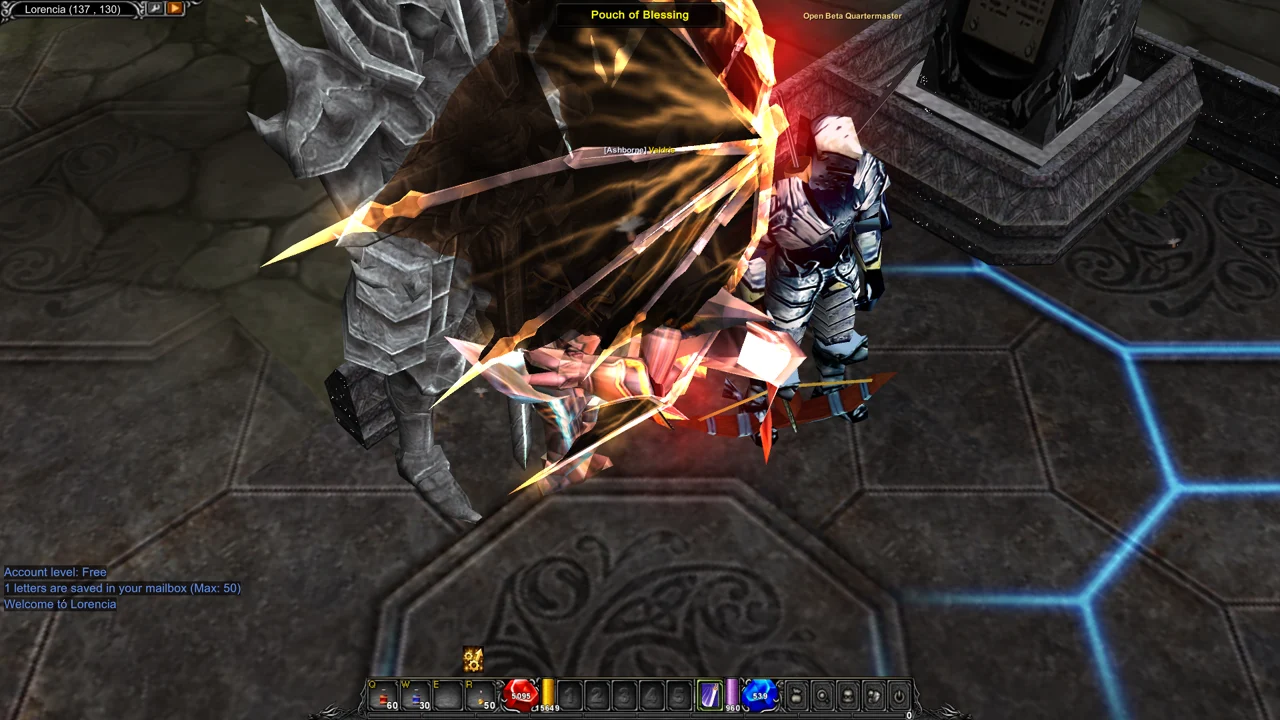
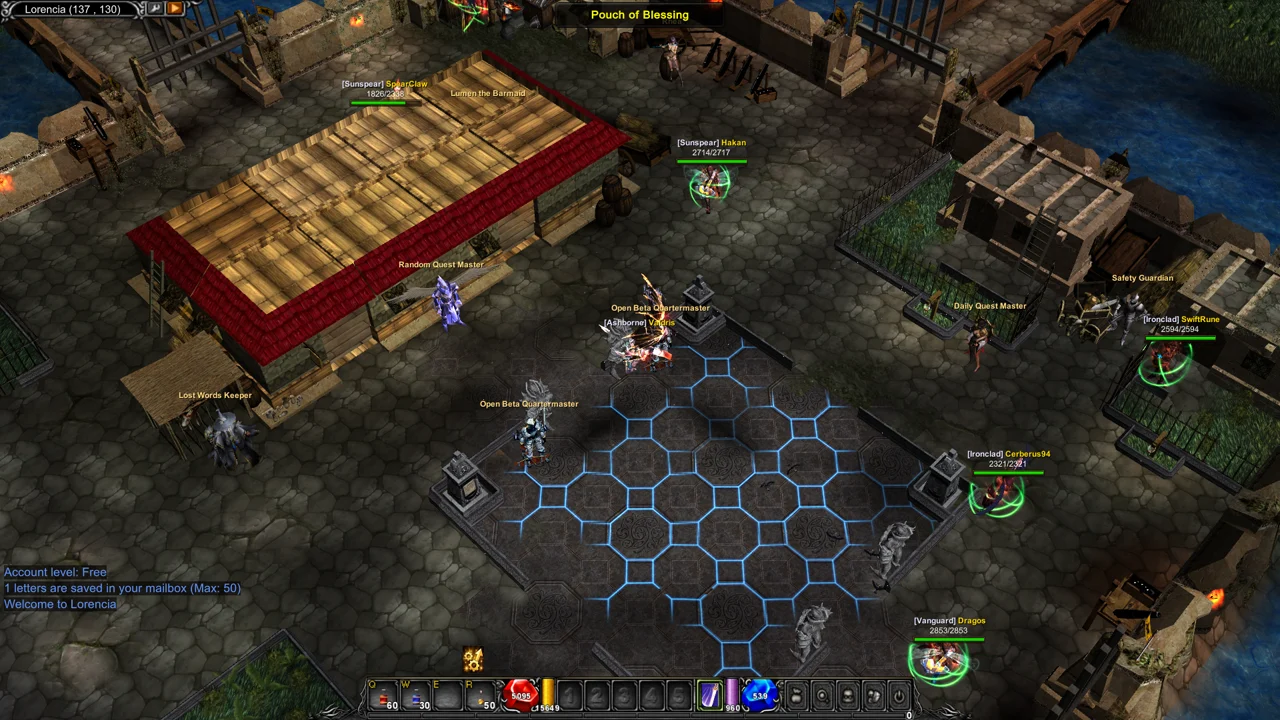
- The mouse wheel zooms in and out.
- F10 puts the camera back as it was.
- To turn the camera, switch on 3D Camera in O Options, tab Settings, then hold the middle mouse button and drag.
Map
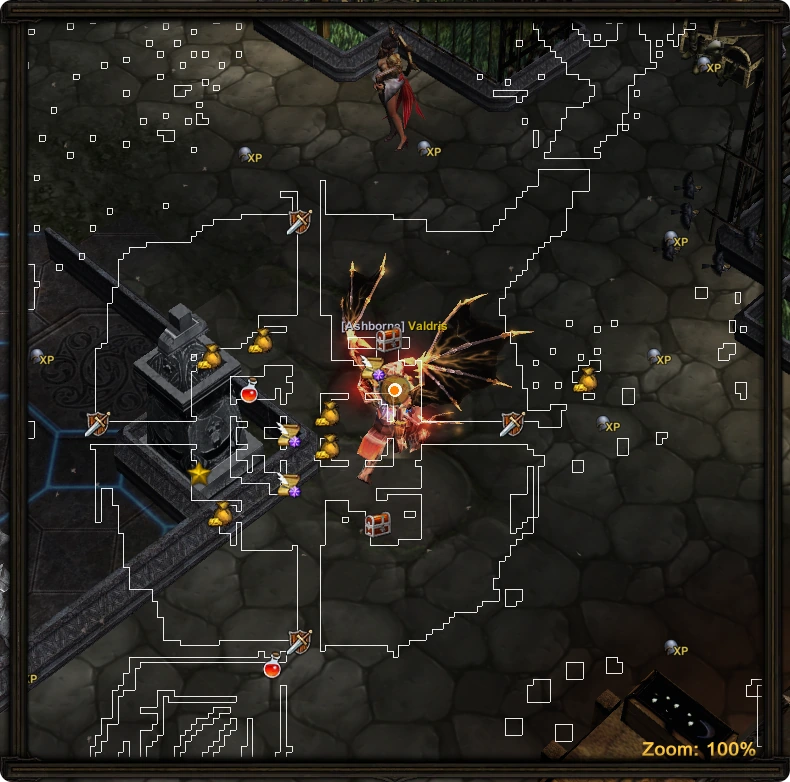
Tab opens the map of the current land and closes it again. It is always centred on you, and the wheel over it changes its scale from 50% to 200%.
- Monster spots and NPCs are drawn as icons - point at one to read its name.
- Blue dots are your party, green dots are your guild.
- A right click on the map sends the hero there on his own; a second right click cancels the trip.
- A right click on an NPC icon walks to that NPC and talks to it.
- A right click on a monster spot walks there and switches the EPIC Helper on at arrival.
You can keep walking and fighting with the map open. In Valley of Loren the same key opens the siege map.
Updated: 08.10.2026
 Helper Alice